Wiper Roller Inspection
Select the condition of your Wiper Roller
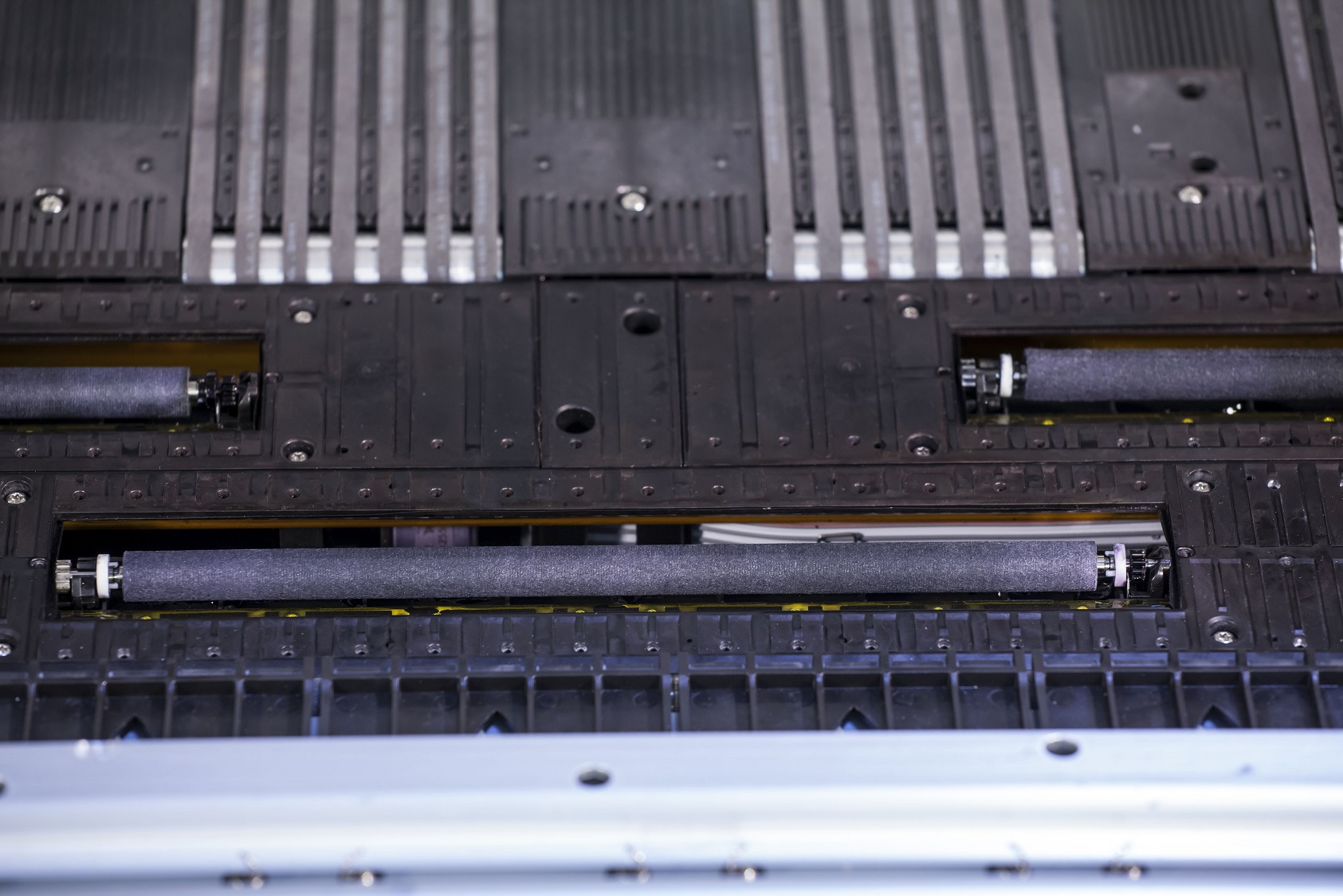
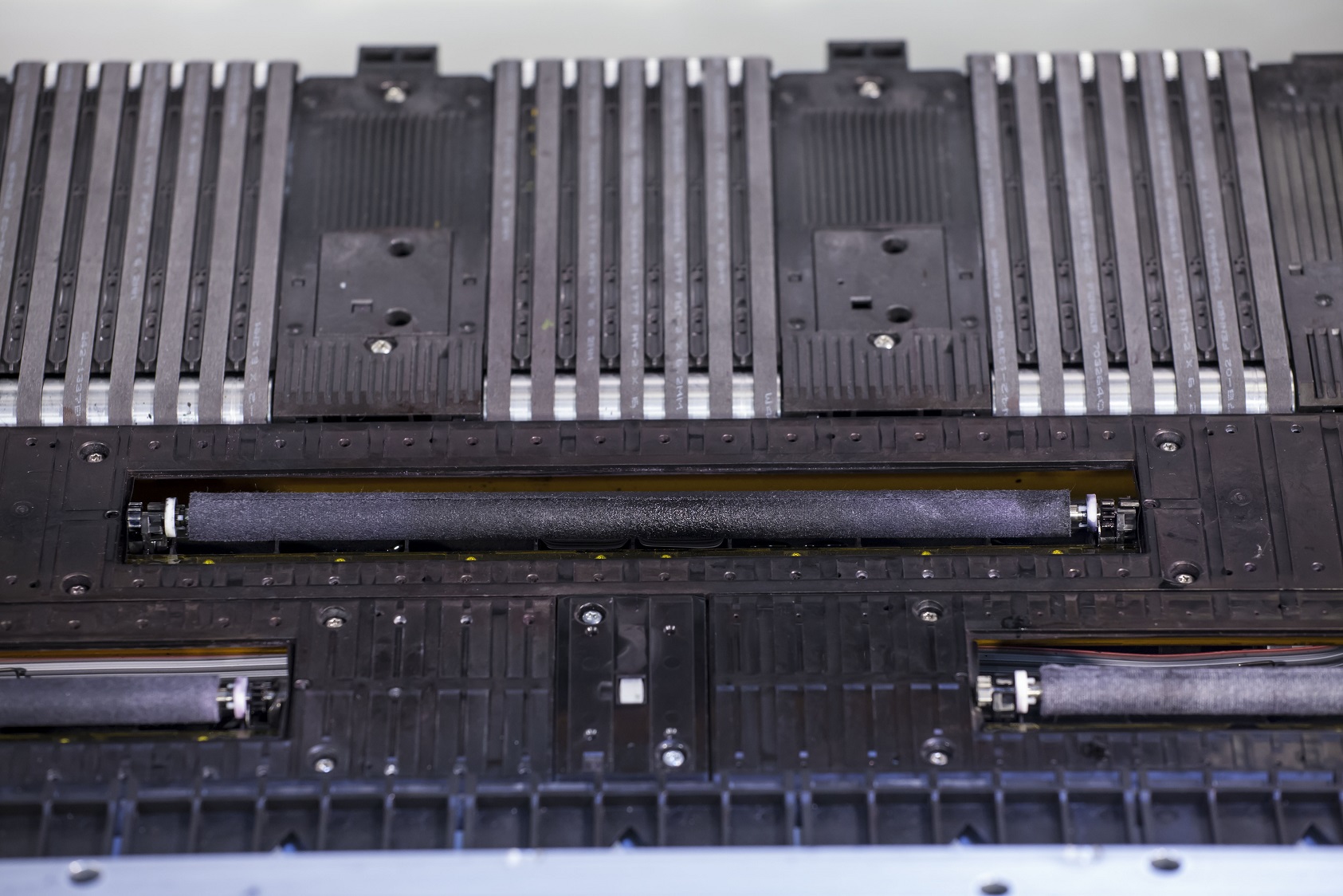
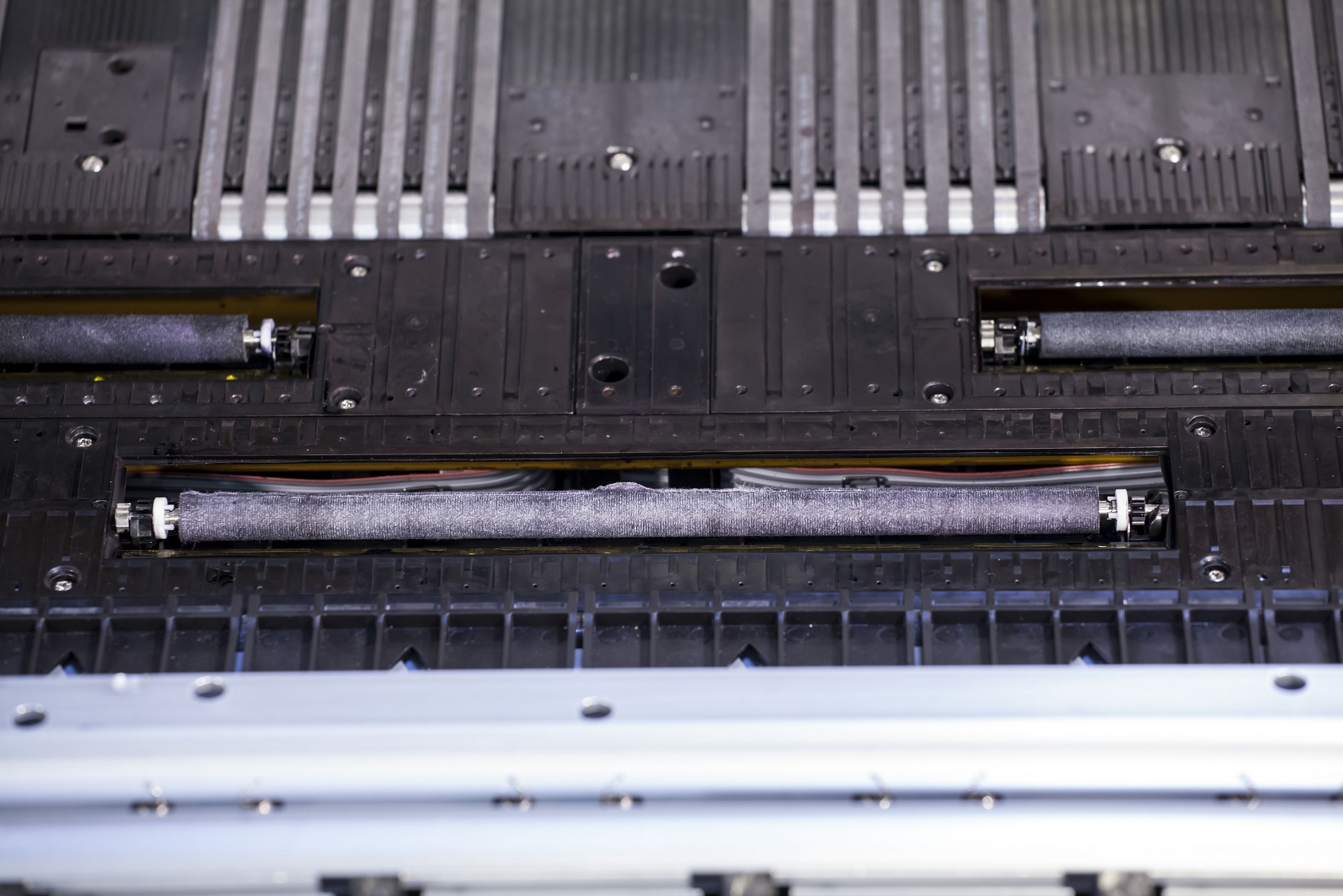
Wiper Roller Inspection
Good
Follow the below steps to resolve the issue:
Step 1. Verify proper head height is being used. Streaks usually indicate the head height is too low causing the heads to rub on the media.
Step 2. Verify media has an even thickness and is laying flat. If the media is lifting, try adjusting the vacuum pressure on the platen or raising the head height.
Step 3. Adjust the media left or right then print to see if the issue follows a particular area of the media.
Step 4. Adjust the angle of the exit table to verify media is not rubbing the print heads as it exits the printer. (if applicable)
Step 5. Increase the power of the external vacuum pump (220v models only)
Step 6. Run a Medium Clean on the affected print head via “Maintenance” in iQueue, then print
Step 7. Run a Heavy Clean on the affected print head via “Maintenance” in iQueue, then print
Step 8. If issue still exists, run "Wiper Roller Watering Procedure", then print
Step 9. Swap the print head with another print head to verify the issue follows the head. If the issue continually follows the print head it should be replaced. If the print defect stays in a particular print head slot the issue is likely wiper roller, service station, media related or improper PPS adjustment.